
View GitHub data in Observe
When you install the GitHub app, the app also installs default dashboards for monitoring and reviewing GitHub events. The following dashboards are installed by default:
- GitHub/Actions
- GitHub/Activity
- GitHub/Administration
- GitHub/Commits
- GitHub/Issues
- GitHub/Organizations
- GitHub/Pull Request
- GitHub/Release
- GitHub/Repository
GitHub/Activity dashboard
The GitHub/Activity dashboard provides a high-level overview of your organizational output, with information on the following activity:
- Actions
- Commits
- Pull Requests
- Releases
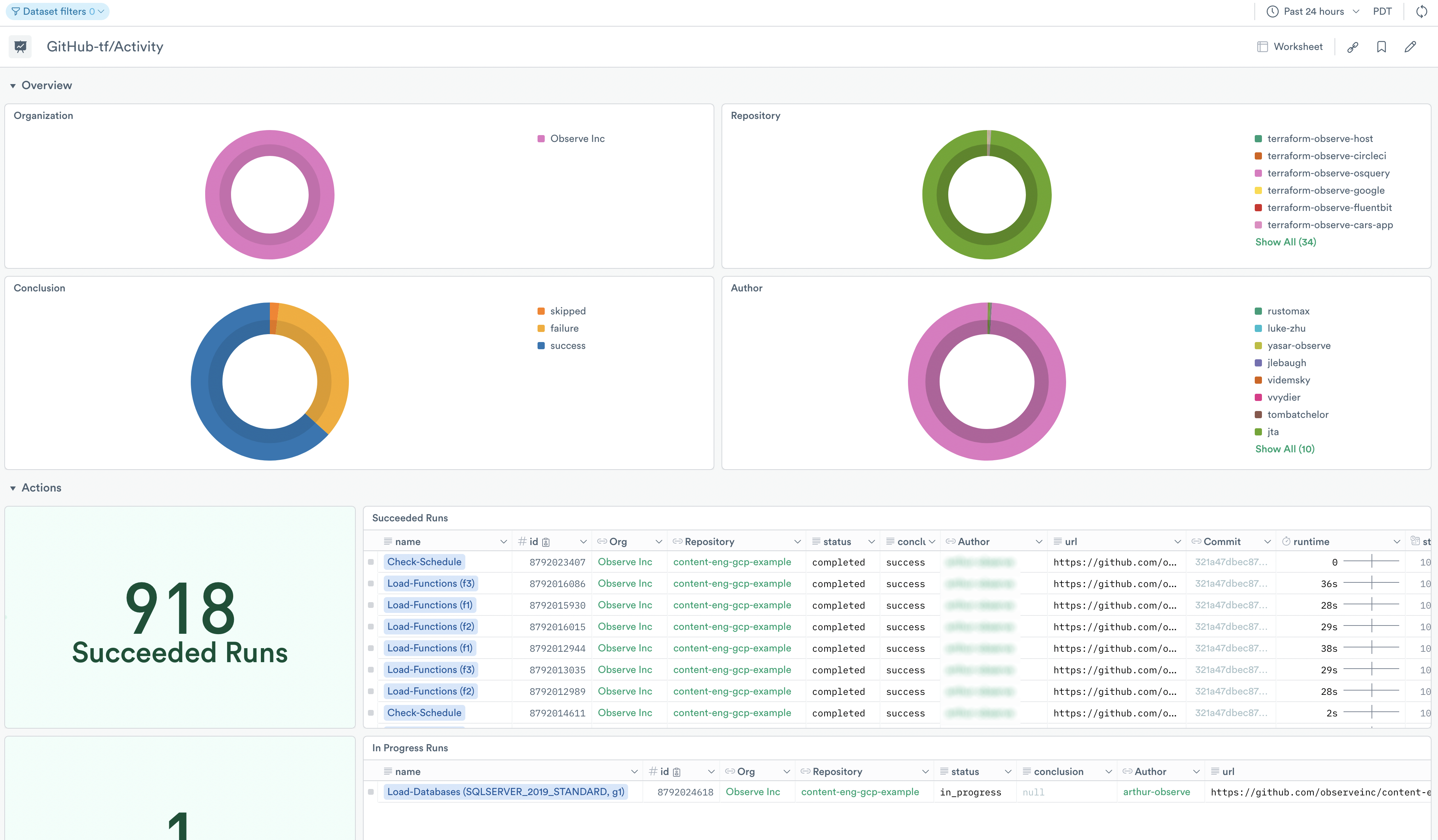
Use the dashboard for debugging and troubleshooting as well as viewing the activity in your GitHub organization within a time window. Use it to answer questions such as:
- Which Action runs are failing or hanging?
- Were there any force pushed commits around the time of an emergent issue?
- Did any new releases get created during a specific timeframe?
- Did any pull requests merge during a specific timeframe?
GitHub/Administration dashboard
Get an overview of your organizations for administrative and security purposes, with insights for the following:
- Organizations
- Repositories
- Issues
- Members
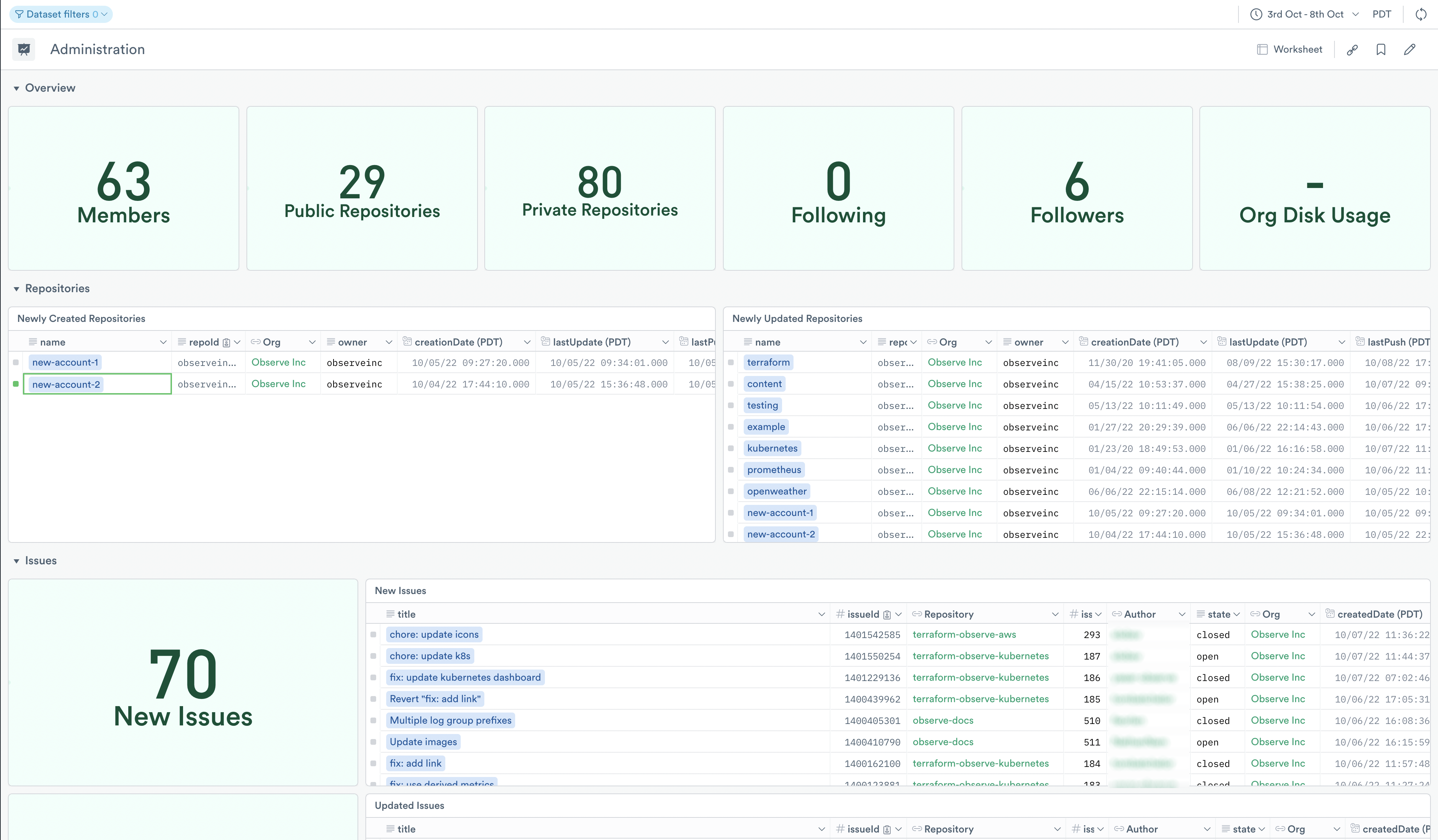
From the dashboard, you see an overview of your organization members, repositories, following/followers, and disk usage. As well as recently created and updated repository information, and recently created issues.
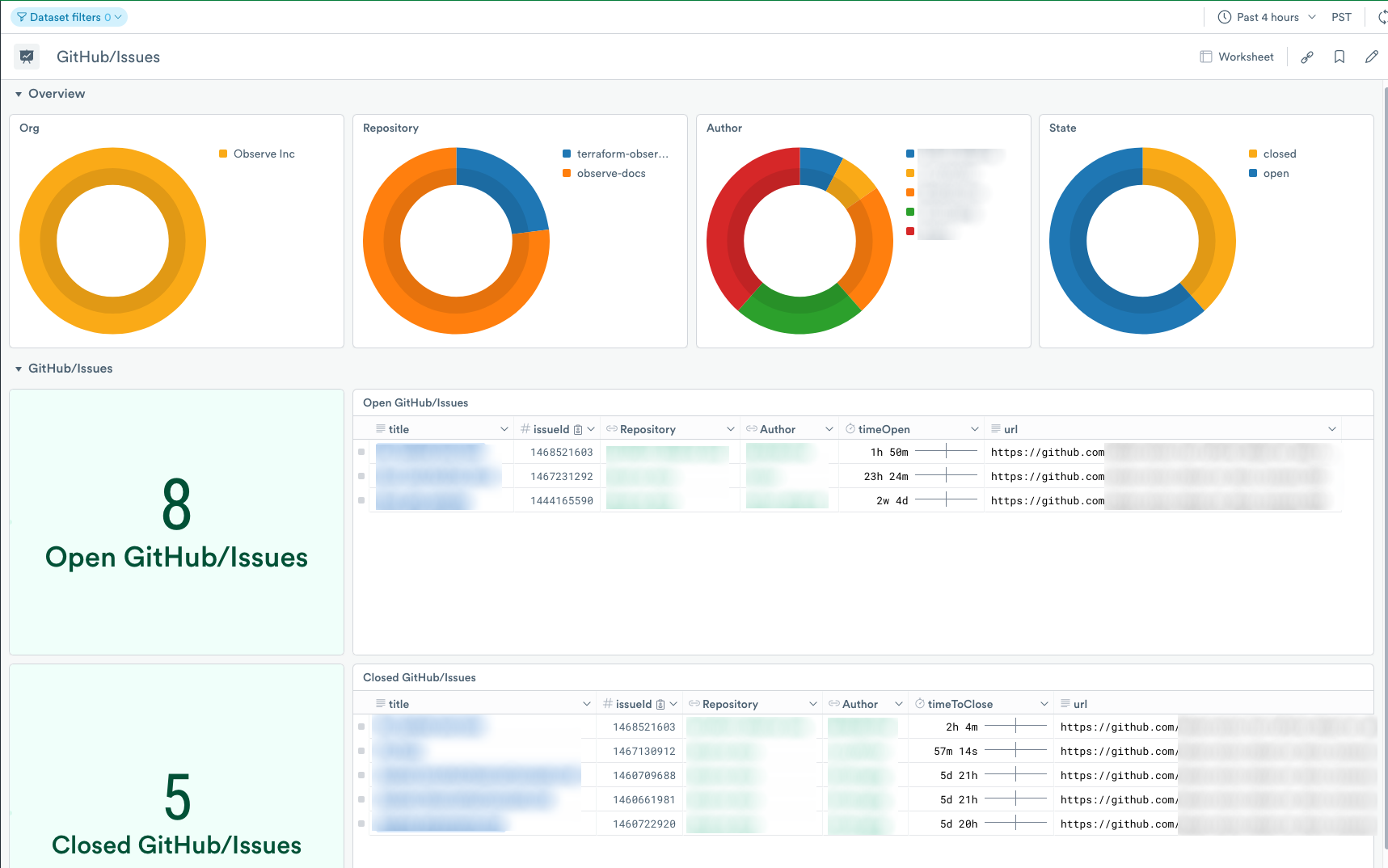
GitHub/Issues dashboard
Review the GitHub/Issues dashboard for open and closed GitHub/Issues occurring in your GitHub repositories.
Updated 5 months ago