

Configure connections
Connect o11y AI Help to your Slack workspace, letting you interact with o11y from Slack.
- Hover on your user name in the left navigation rail, then select Manage account.
- Click Workspace settings.
- Under Connections, click Add to Slack.
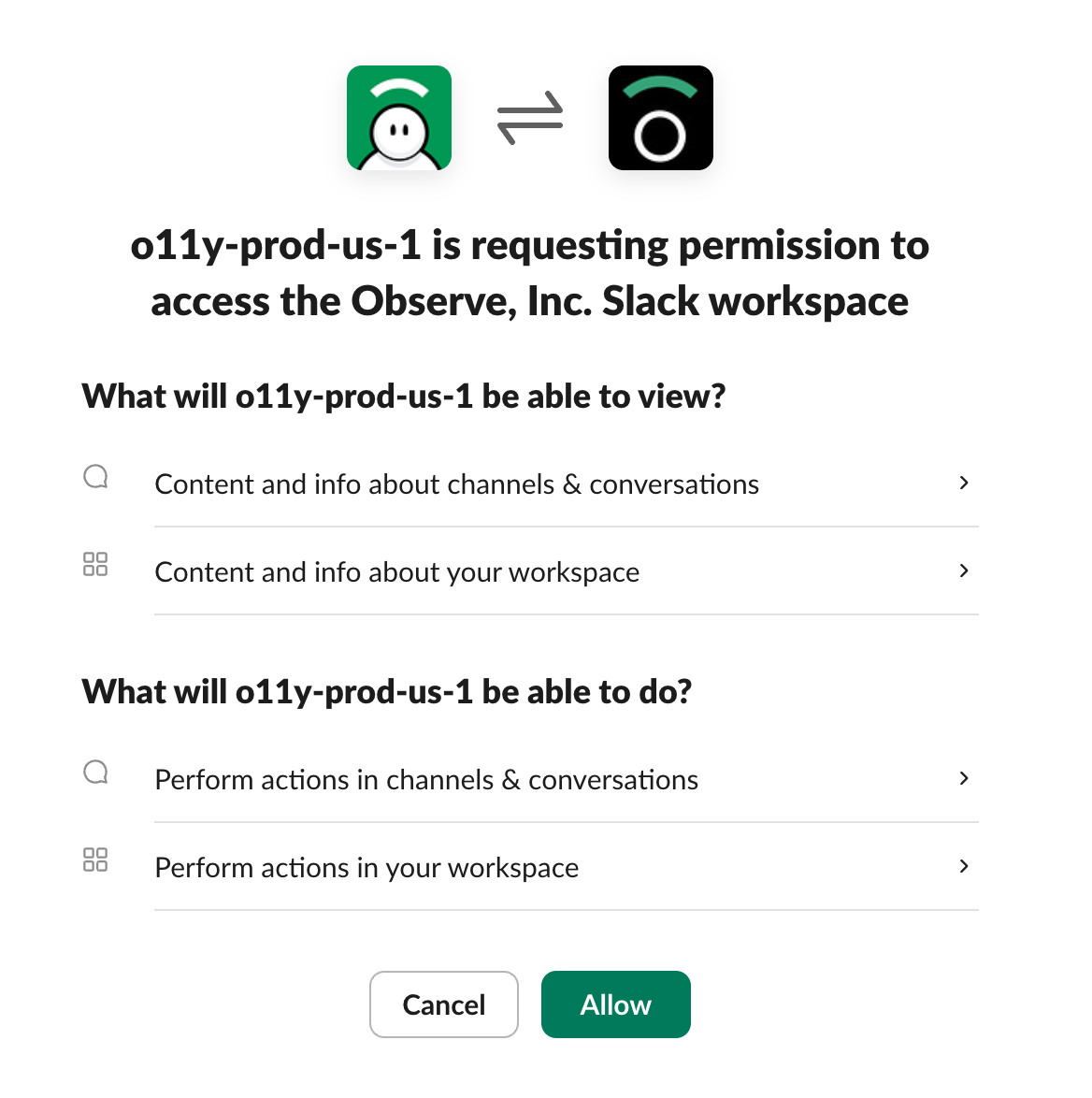
- Click Allow to grant o11y AI Help access to your Slack workspace.
See o11y AI Slack for more information about this integration and examples of how you can use it.
Updated about 1 month ago
Did this page help you?