

Manage invoices
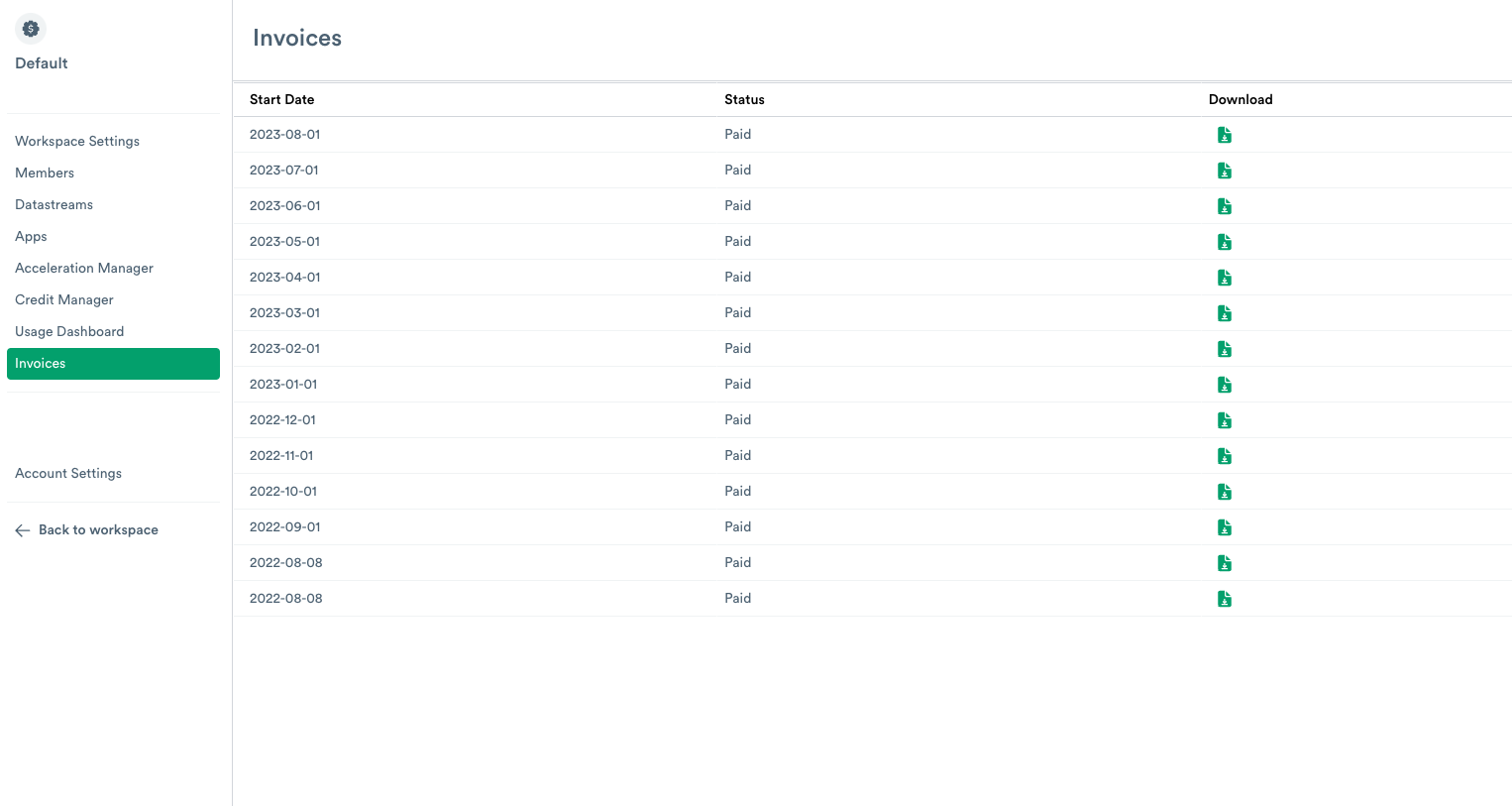
The Invoices page shows the status of your invoices with Observe by Snowflake. Each invoice can have one of the following sections:
- Subscription Term - The length of time for the subscription to be active.
- Charges - The monthly consumption charges on the Observe by Snowflake instance.
- Credit Consumption - The current number of consumed credits on the Observe by Snowflake instance.
- Prepaid Balance - The amount of capacity in US Dollars (USD) remaining at the end of the month on an active subscription.
The Status column contains one of the following states:
- Posted - The invoice has posted to your account by Observe by Snowflake.
- Paid - You have paid the invoice in full.
- Partially Paid - Part of the invoice has been paid.
- Reversed - Observe by Snowflake reversed the charges due to an error or other reason.
Download a copy of the invoice by clicking on the Download icon and download the invoice in PDF format.
Updated about 1 month ago
Did this page help you?