

Report an incident
This page describes how to report an incident.
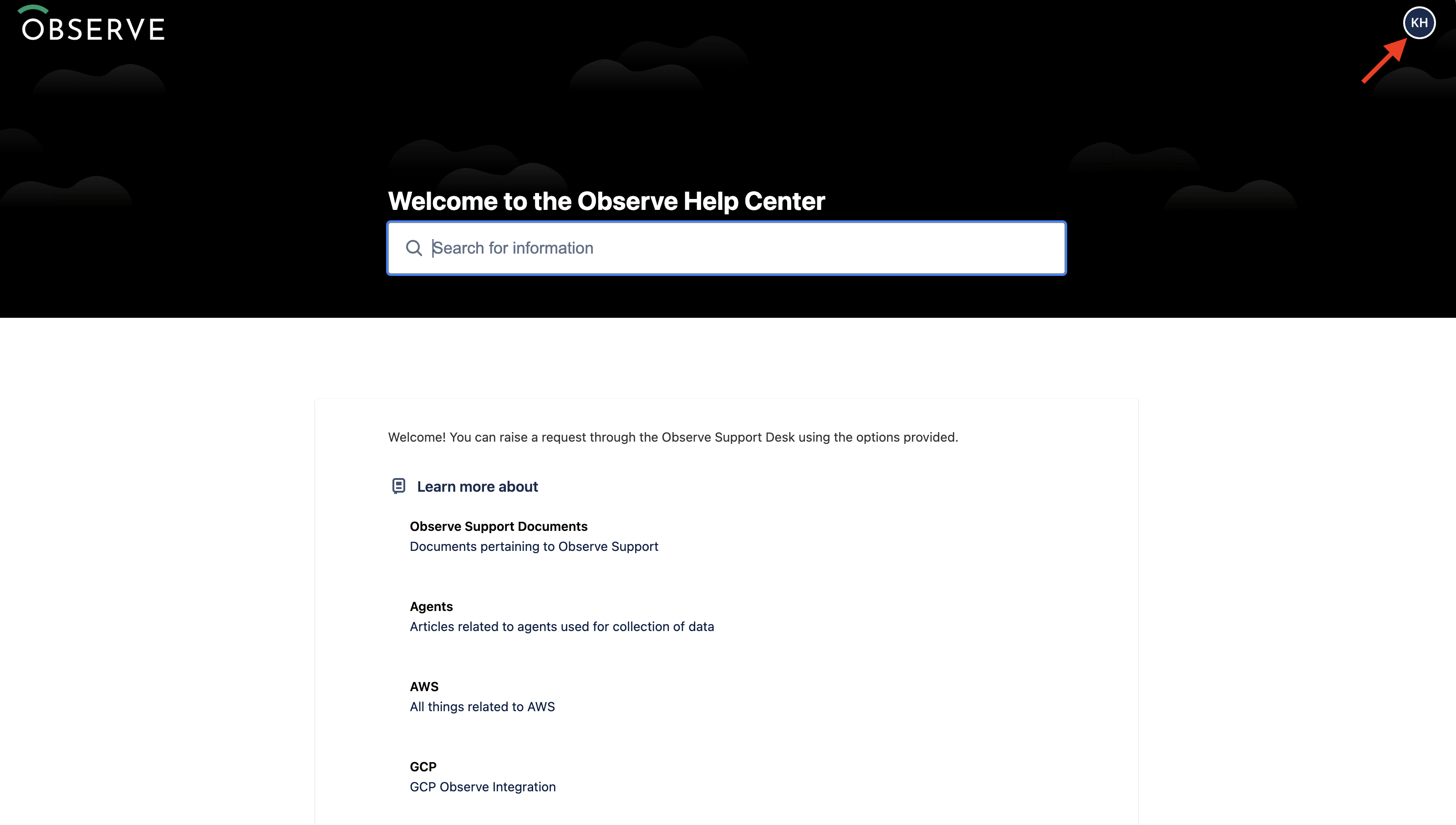
Access the Observe by Snowflake Help Center to report an incident. Click Log in if you are not already logged in. If you are, you will see your user initials, as shown below:
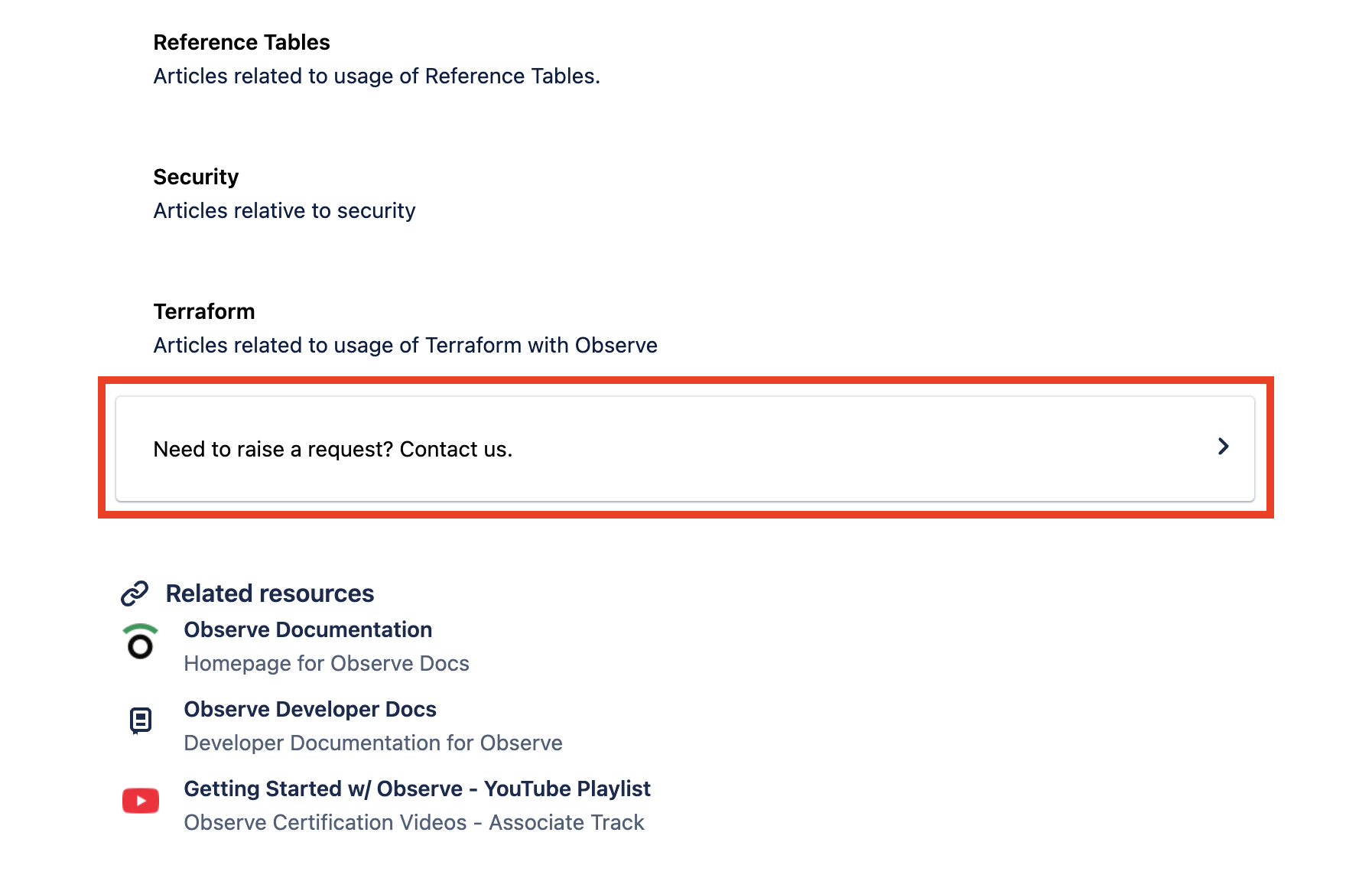
Scroll down and click Need to raise a request? Contact us.
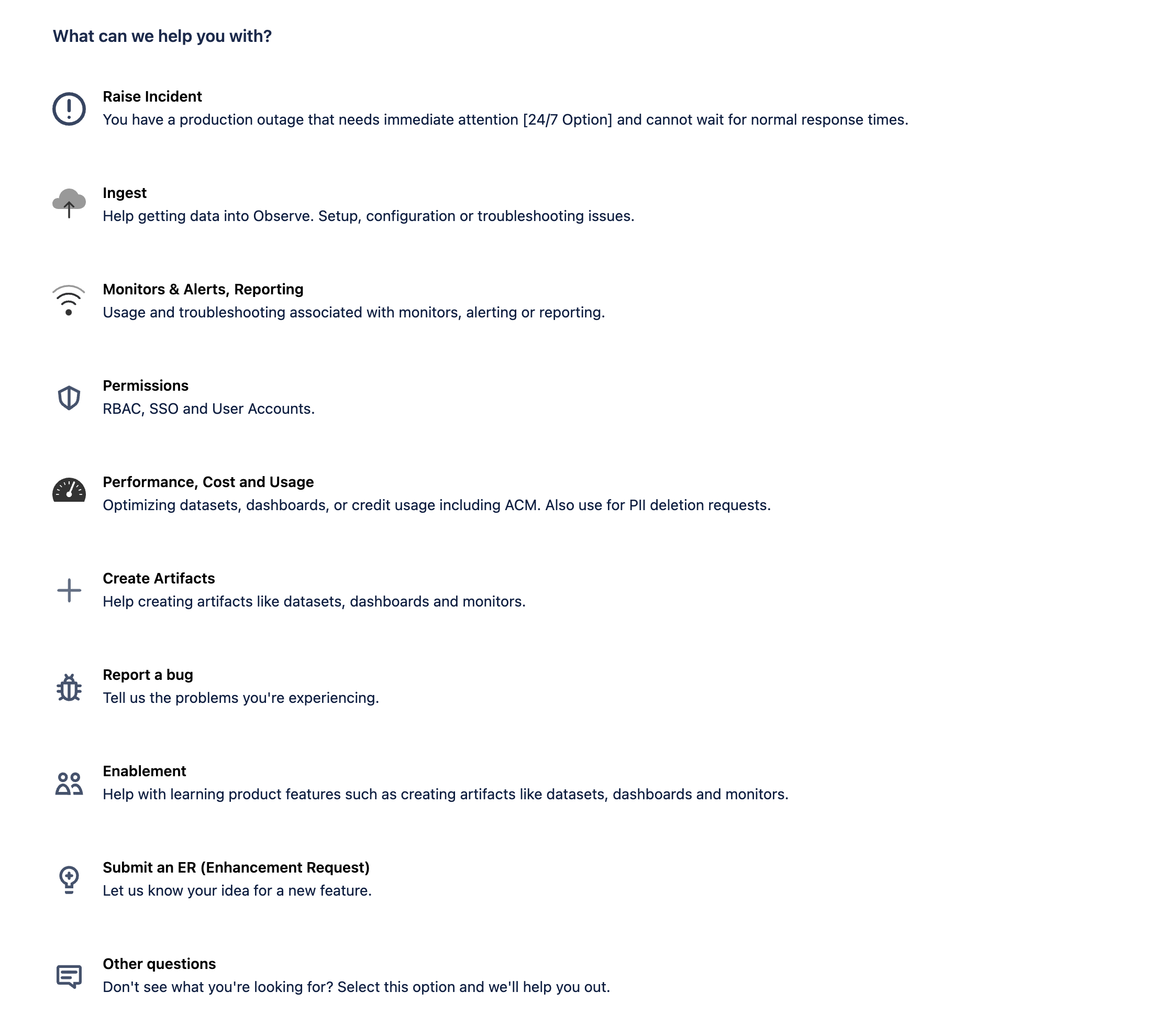
Only certain request types allow you to indicate your priority and indicate that you are experiencing an outage or other critical incident.
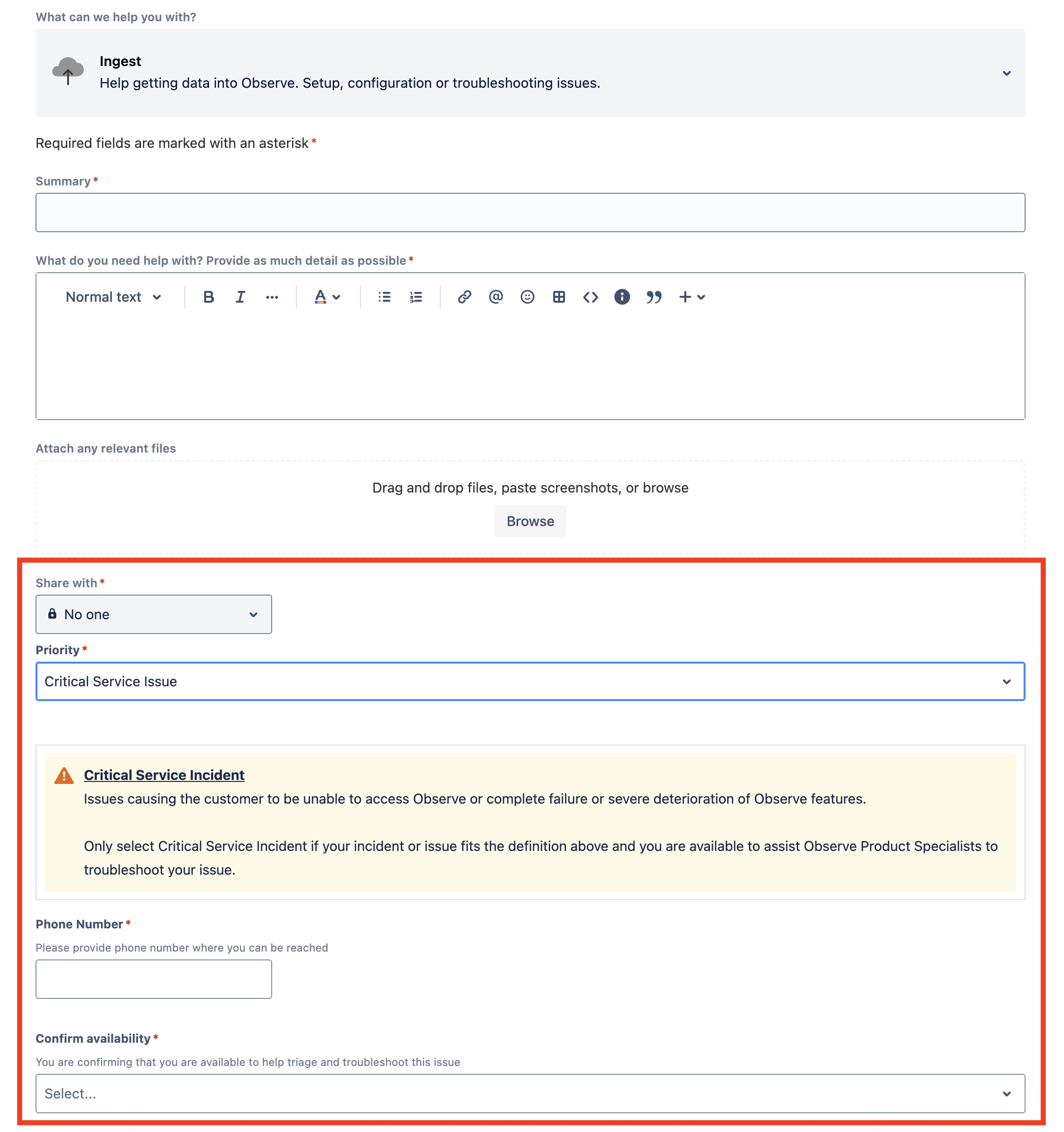
To indicate you are experiencing either a critical service incident or a service impairment issue select a priority that corresponds with your situation.
Updated about 1 month ago
Did this page help you?