

Update the MongoDB Atlas app
Update the MongoDB Atlas app
From the home page of your Observe by Snowflake instance, go to the Data & integrations > Applications page. You should see Update available within the MongoDB Atlas card. Click on Manage.
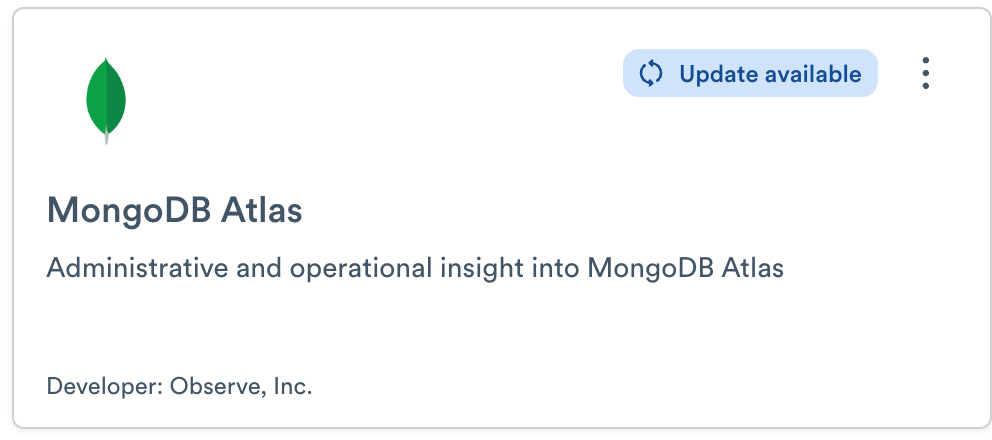
- Click Manage.
- From the App details page, click Update available.
- Click Update in the modal window notifying you of new default configuration variables in the updated version.
Once the MongoDB Atlas app completes updating, you can verify the current version of the MongoDB Atlas app by navigating to the Versions tab of the MongoDB Atlas app details. For example:
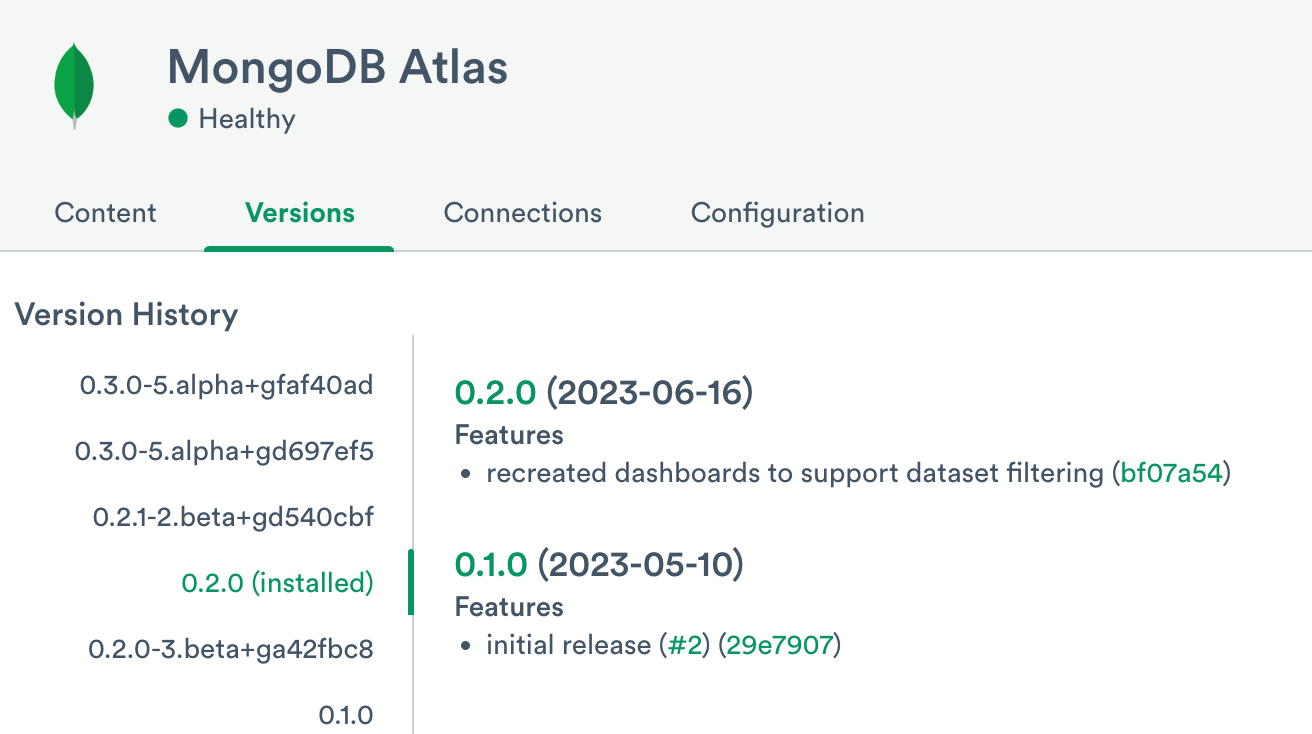
With this confirmed, you can move on to updating the poller ingest method.
Update the MongoDB Atlas poller
To update the MongoDB Atlas pollers, you must remove the existing pollers and then configure new pollers.
Remove the existing pollers
From the MongoDB Atlas app details page, navigate to the Connections tab. Under Existing connections, look for any pollers.
If you do not have any existing pollers, you can follow the steps in Configure the MongoDB Atlas poller to configure new pollers.
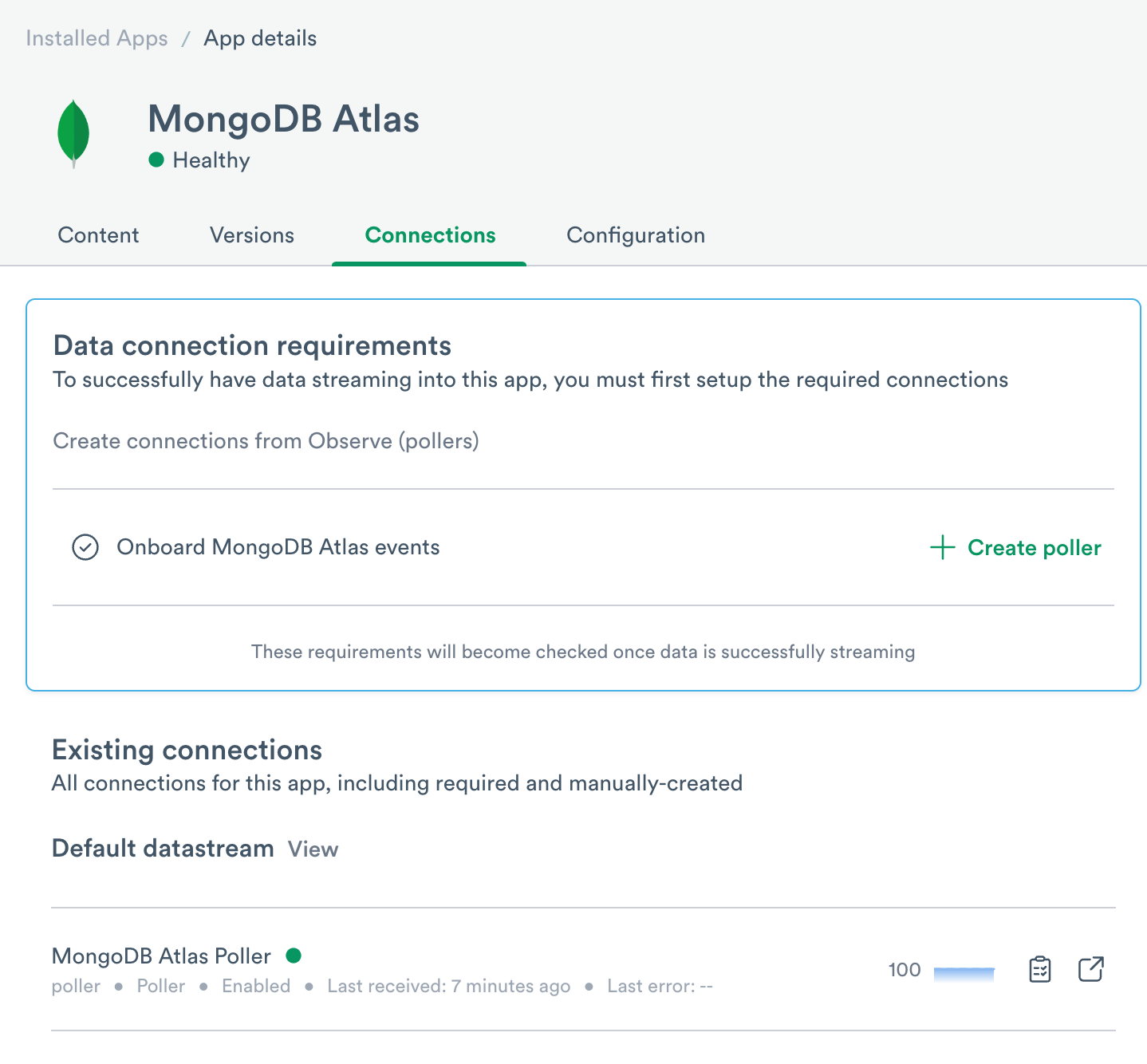
If you have an existing poller, click on the name of the poller to open it. You can then click on the drop-down menu on the top right and select Delete.

Install new pollers
After you have deleted your existing pollers, you can create a new poller ingest connection in the same way as the initial setup. See Configure the MongoDB Atlas poller.
Updated about 1 month ago