

View Fastly data in Observe by Snowflake
When you install the Fastly app, the app also installs default datasets and dashboards for monitoring and reviewing Fastly request traffic and services.
The following datasets are installed by default:
- fastly/Request Logs
- fastly/Service
The following dashboards are installed by default:
- fastly/Requests
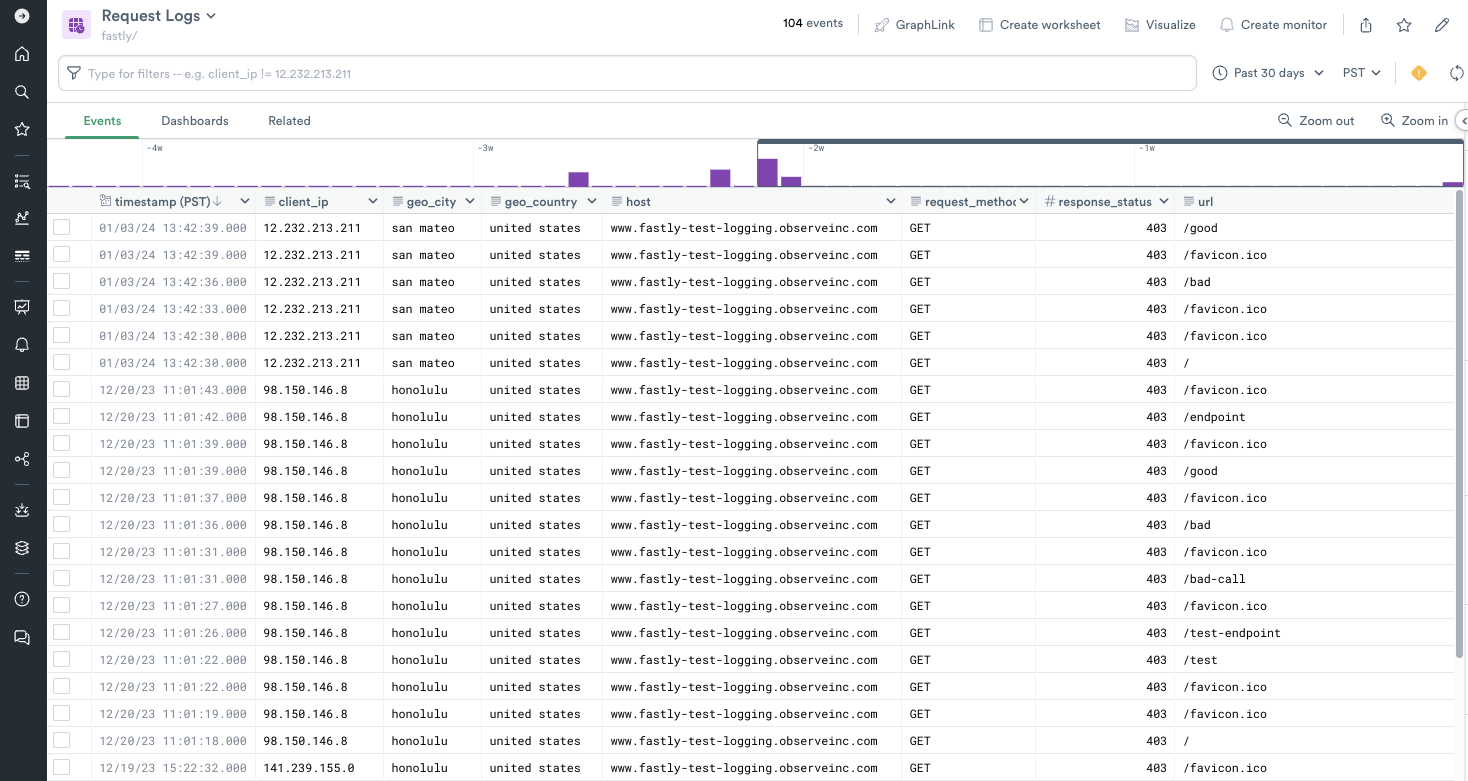
fastly/Request Logs
The fastly/Request Logs dataset shows the request log data from the traffic that Fastly is serving. It includes fields such as host, client_ip, request_method, and response_status. These fields helps track where requests are originating from and what the responses were.
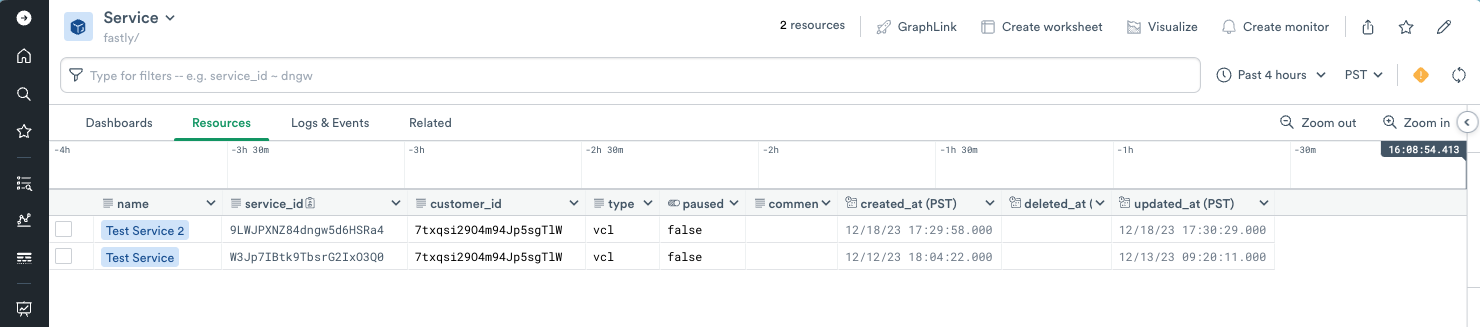
fastly/Service
The fastly/Service dataset shows the services that are currently configured in Fastly. It includes fields such as name, service_id, type, created_at, and deleted_at.
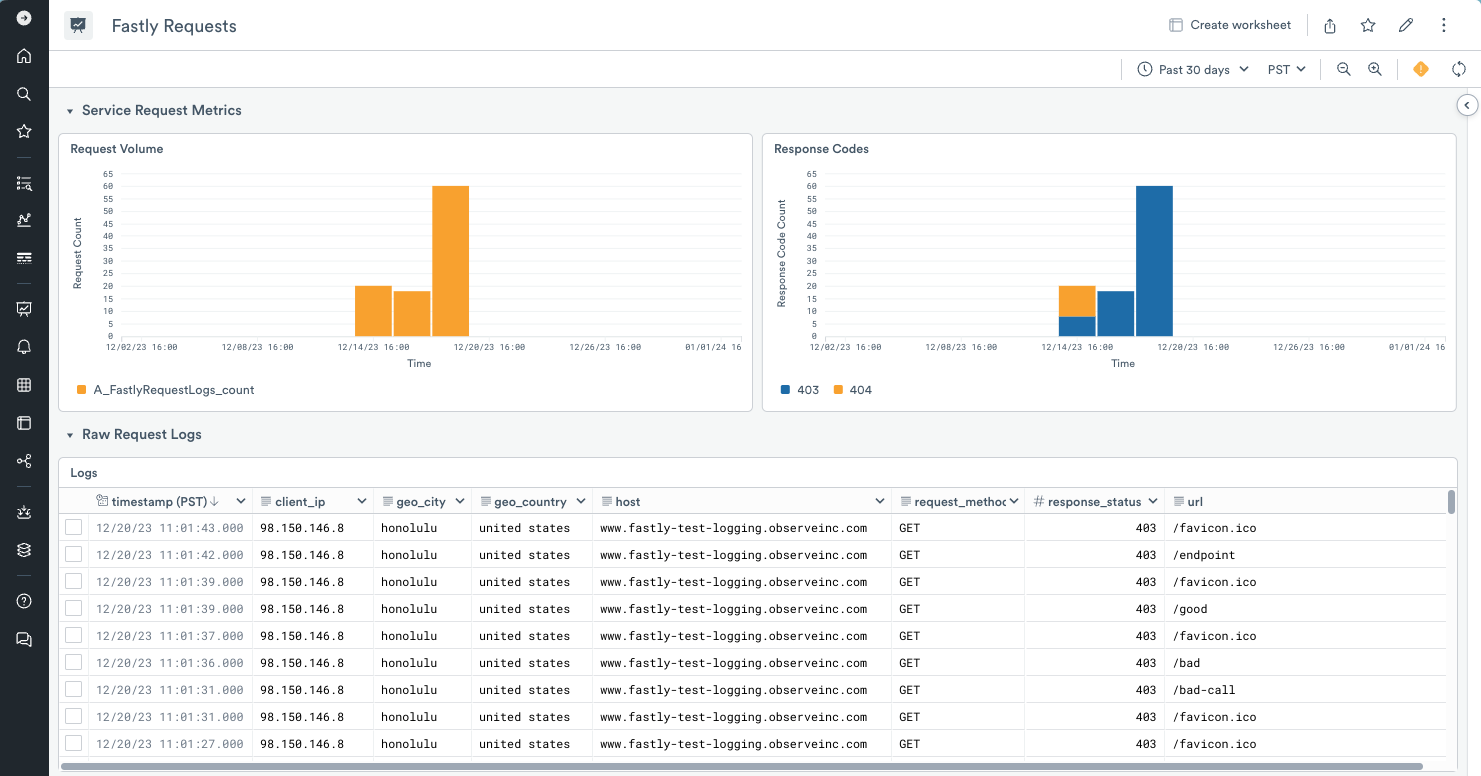
fastly/Requests
The fastly/Requests dashboard shows the volume of requests served by Fastly as well as the distribution of response codes. This dashboard can be used to monitor Fastly traffic and identify if traffic is normal or if there's a disruption.
Updated about 1 month ago