

Configure an AWS integration
This page describes how you can edit your existing AWS configurations.
- In the left navigation rail, select Data & integrations > integrations.
- Click the AWS panel.
- Select an existing AWS integration.
- Click Configuration.
On the app's Configuration tab, you can configure the metrics, logs, resources, and S3 buckets.
Select metrics
In the Metrics panel, you can edit the method of metric collection, along with the services and namespaces you want to ingest from.
The configuration options are the same as the options when you first created the integration. See Use the Add Data portal to get your data into Observe by Snowflake.
Select logs
In the Logs panel, you can edit the logs you want to ingest.
The options for specifying logs is the same as when you first created the integration. See Use the Add Data portal to get your data into Observe by Snowflake.
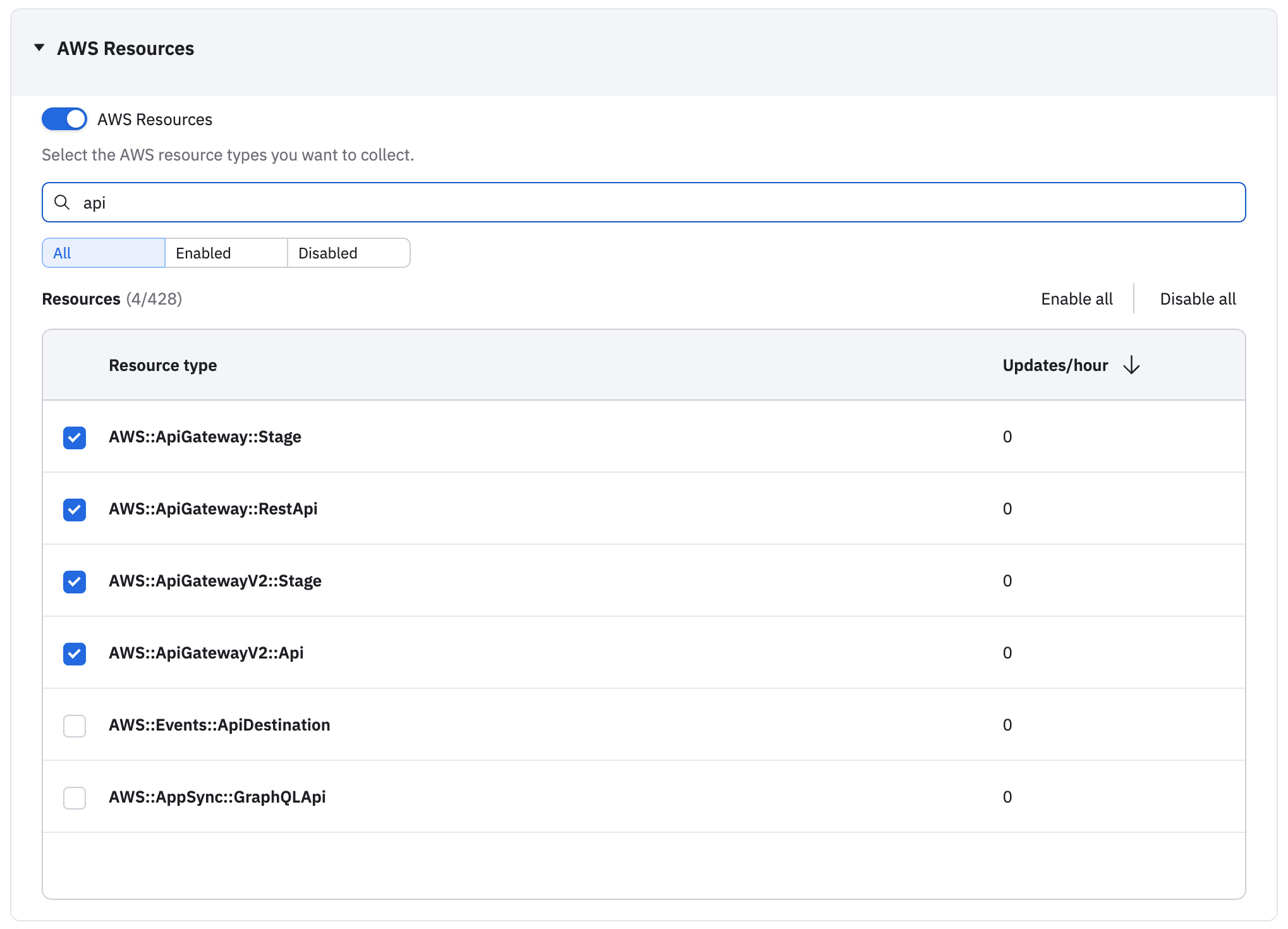
Select resources
When you created your AWS integration, you only have the option to enable or disable the collection of AWS resources. From the Configuration tab, you the option to search, filter, and select specific resources:
Select S3 buckets
In the S3 Buckets panel, list the S3 buckets the Observe by Snowflake forwarder is allowed to read from.
This option is the same as when you first created the integration. See Use the Add Data portal to get your data into Observe by Snowflake.
Updated about 1 month ago