

Prepare Observe to receive data from Snowflake
First, we will install Snowflake app/integration and configure it to accept data from the Snowflake instance.
Get an instance of Observe
Customers wanting to use O4S need to have an instance of Observe.
Request Free trial if you don't have one yet.
Install the Snowflake App in Observe
Follow the instructions in Observe apps to find and install the Snowflake app in your Observe instance.
Create an ingest token for Snowflake
To send Snowflake data to Observe, create an ingest token in Snowflake app/integration.
- Log into your Observe instance using an admin account.
- Select Data & integrations > Applications in the navigation bar.
- Find the Snowflake application and open it.
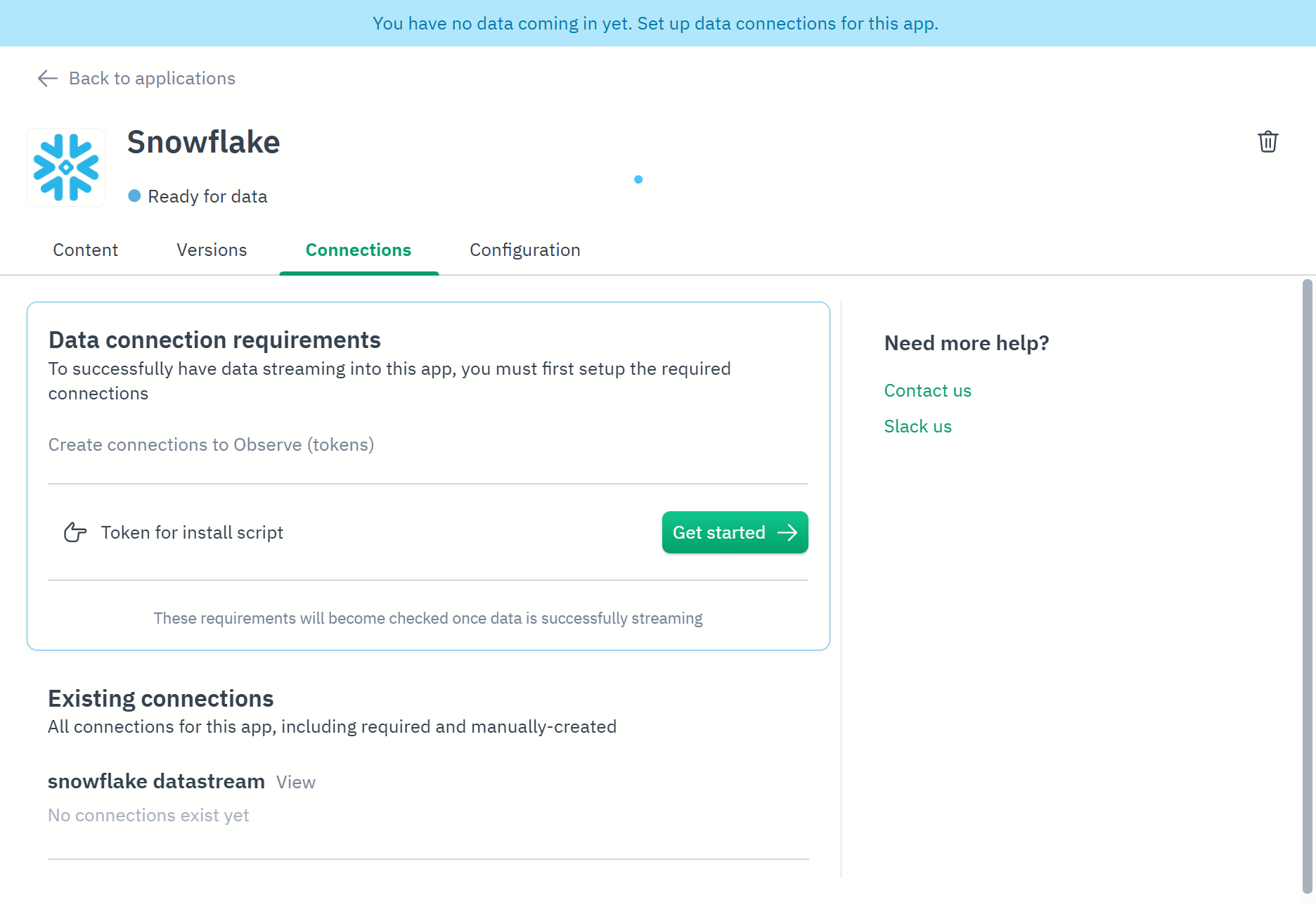
- Click the Connections tab.
- Click Get started to create a new connection to Observe and issue new token:
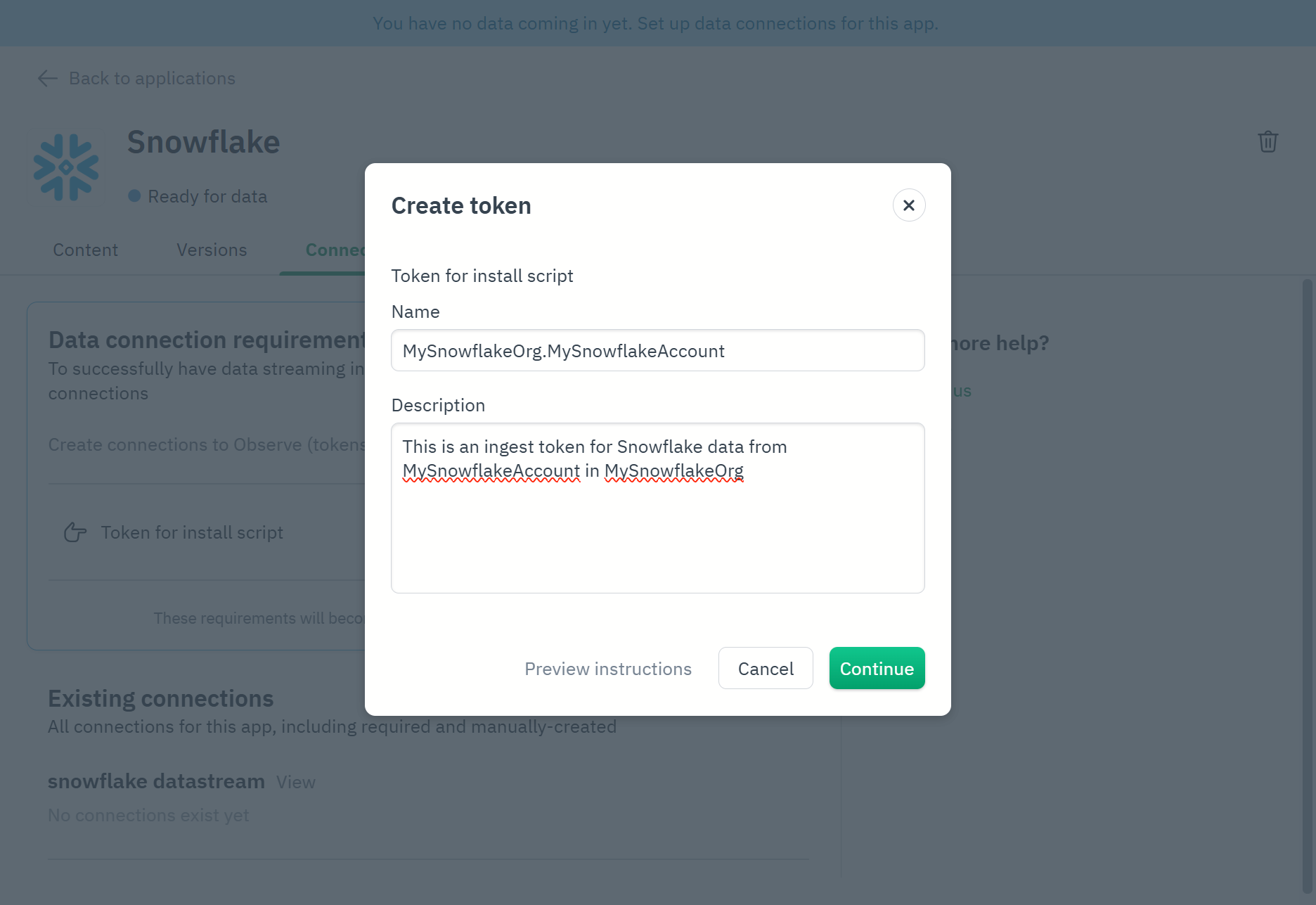
- Give the token a name and provide a description (optional). Some tips for token creation:
- Incorporate your organization and account identifiers into the token name. See ❄️Account identifiers.
- Create a different token for each account for flexibility.
- Click Continue.
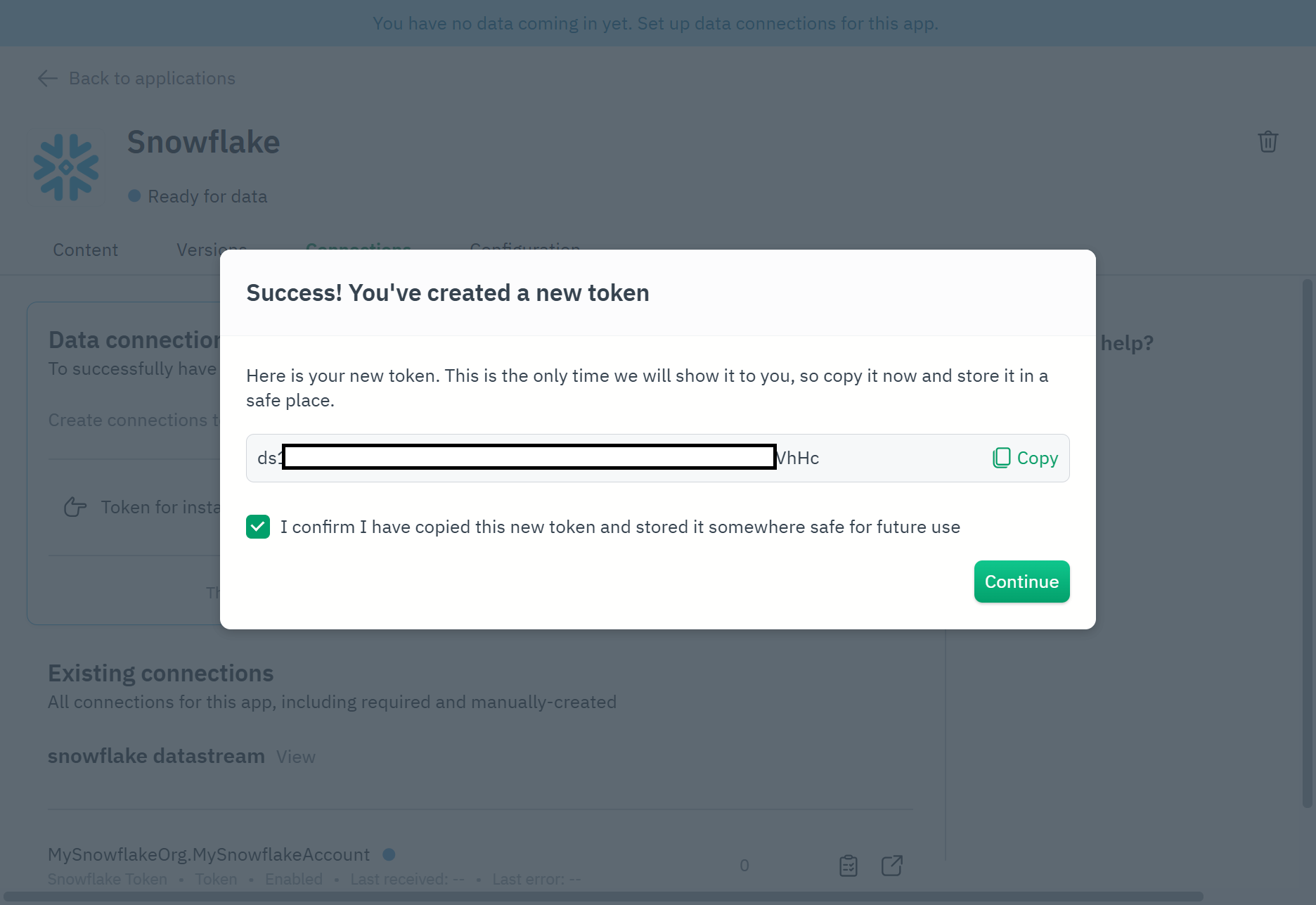
- Copy the newly created token using Copy and save it somewhere safe until it is needed (later in these instructions).
- Click Continue to close this prompt:
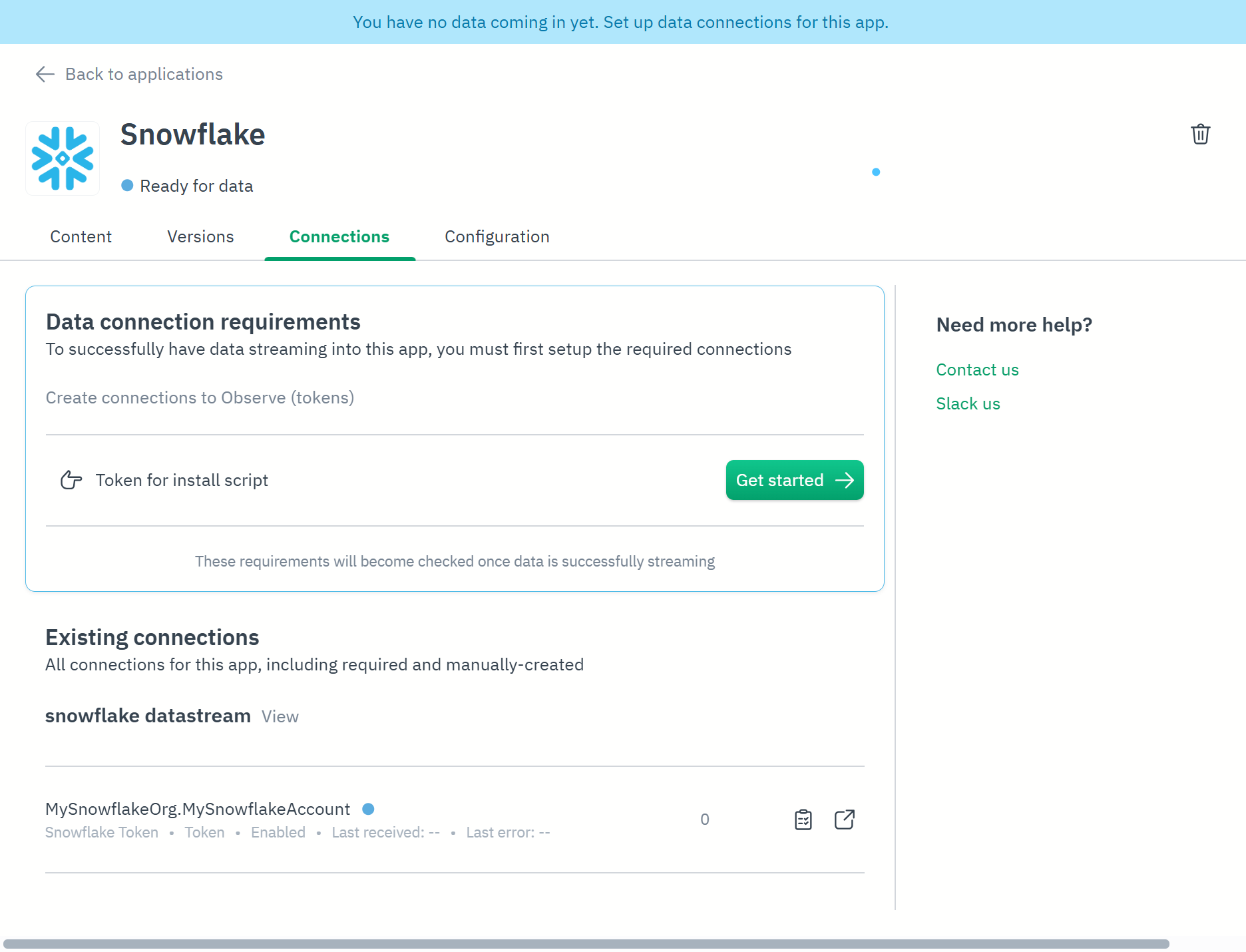
The Snowflake app/integration should show your token waiting for data:
Updated 17 days ago
Did this page help you?