

View GitLab data in Observe by Snowflake
GitLab Activity dashboard
The GitLab Activity dashboard provides a high-level overview of your organization's output, with information on the following activities:
- Commits by project and author
- Merge request status
- Queued, running, and completed jobs
- Runner status
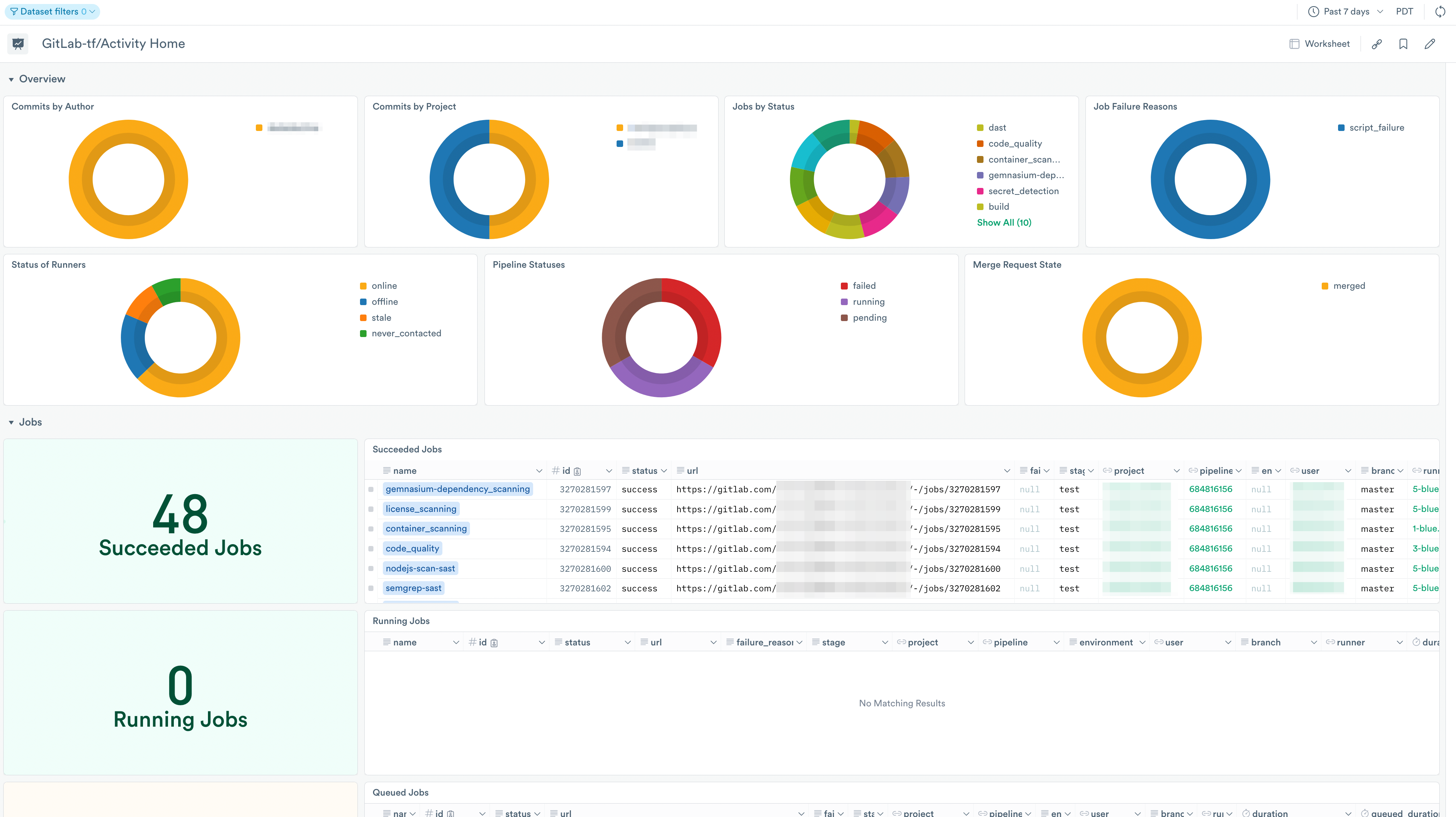
Use the Activity dashboard to help troubleshoot build problems and view activity over time. Use it to answer questions such as:
- Which jobs are failing or unresponsive?
- Were there any relevant commits around the time of an emergent issue?
- Were there merge requests merged during a specific time frame?
- Are runners or their jobs having issues?
GitLab Administration dashboard
Get an overview of your organizations for administrative and security purposes, with insights about these parameters:
- Groups
- Projects
- Issues
- Members
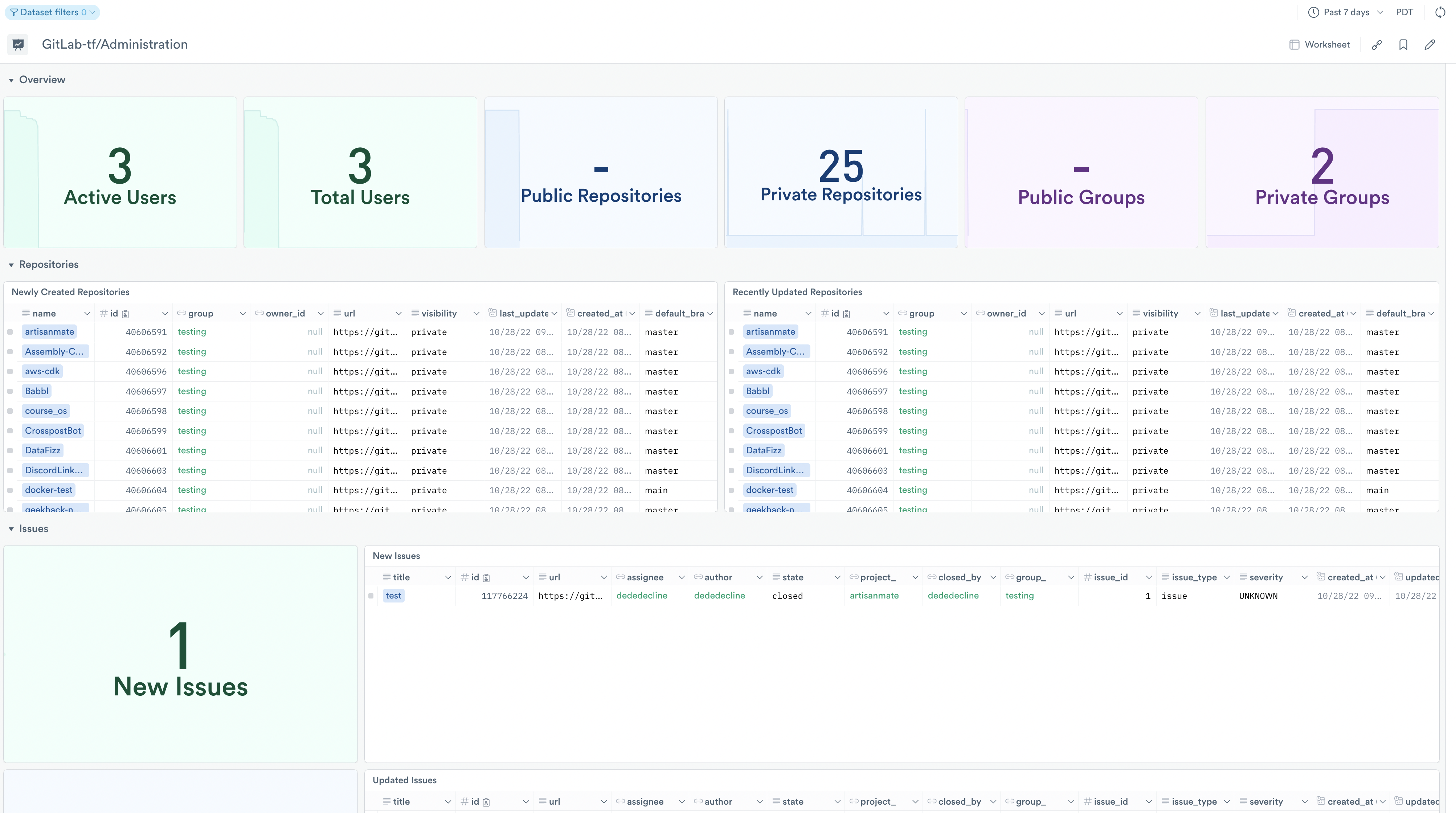
The Administration dashboard displays an overview of members, projects, groups/subgroups in your organizations, recently updated project information, and created, updated, or closed issues.
Setup
The GitLab app ingests data using webhooks and the Observe by Snowflake API poller. To install and configure data collection, see Install the GitLab app.
After configuration, data from GitLab populates the datasets and boards and displays information about your organizations.
Updated about 1 month ago