

Export and share Worksheets
Share a Worksheet's URL
To share a Worksheet with other Observe by Snowflake users, click the share icon (), then configure the share settings.
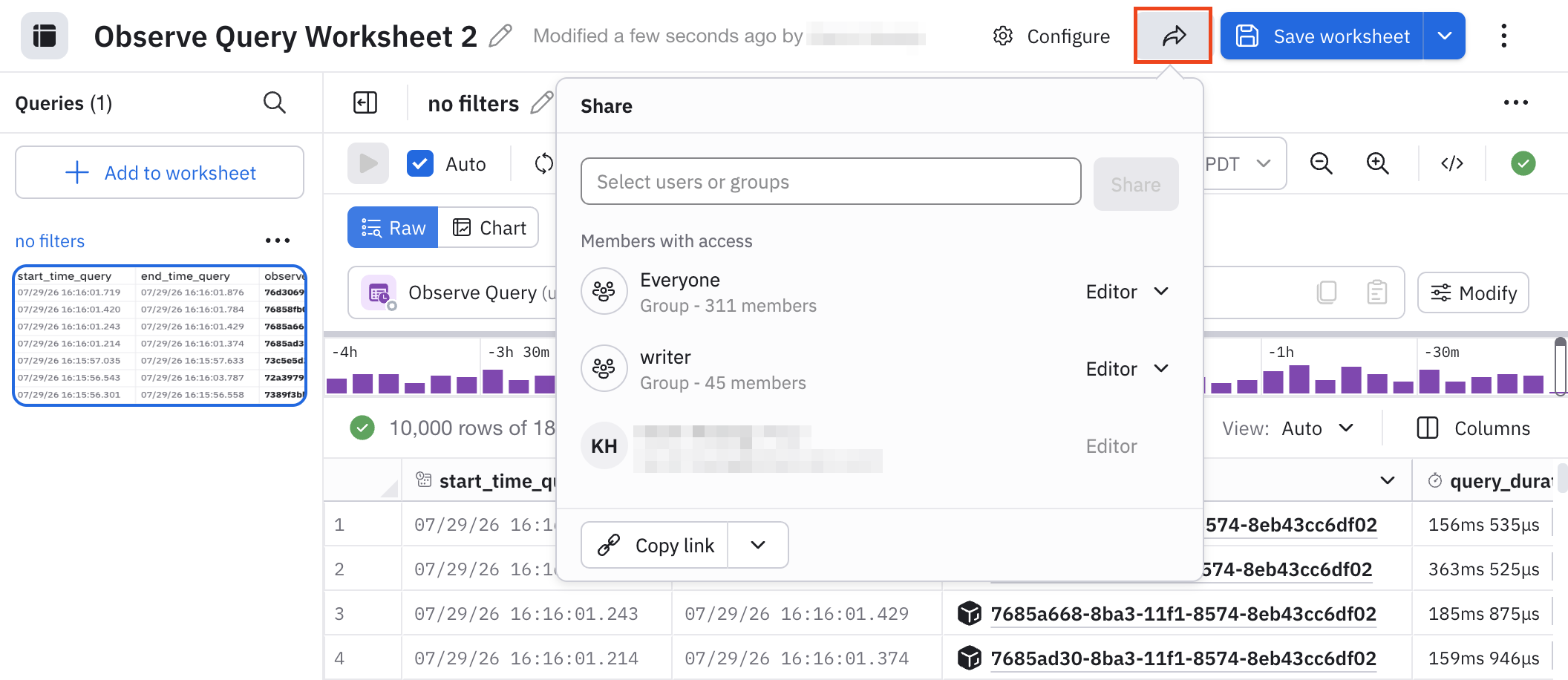
The share settings for Worksheet are configured in the same way as AI SRE sessions. See Share AI SRE sessions for more information and instructions.
Export your Worksheet in CSV or JSON format
To download the data displayed in a Worksheet, click Download as CSV, or click More and then select Download as JSON:
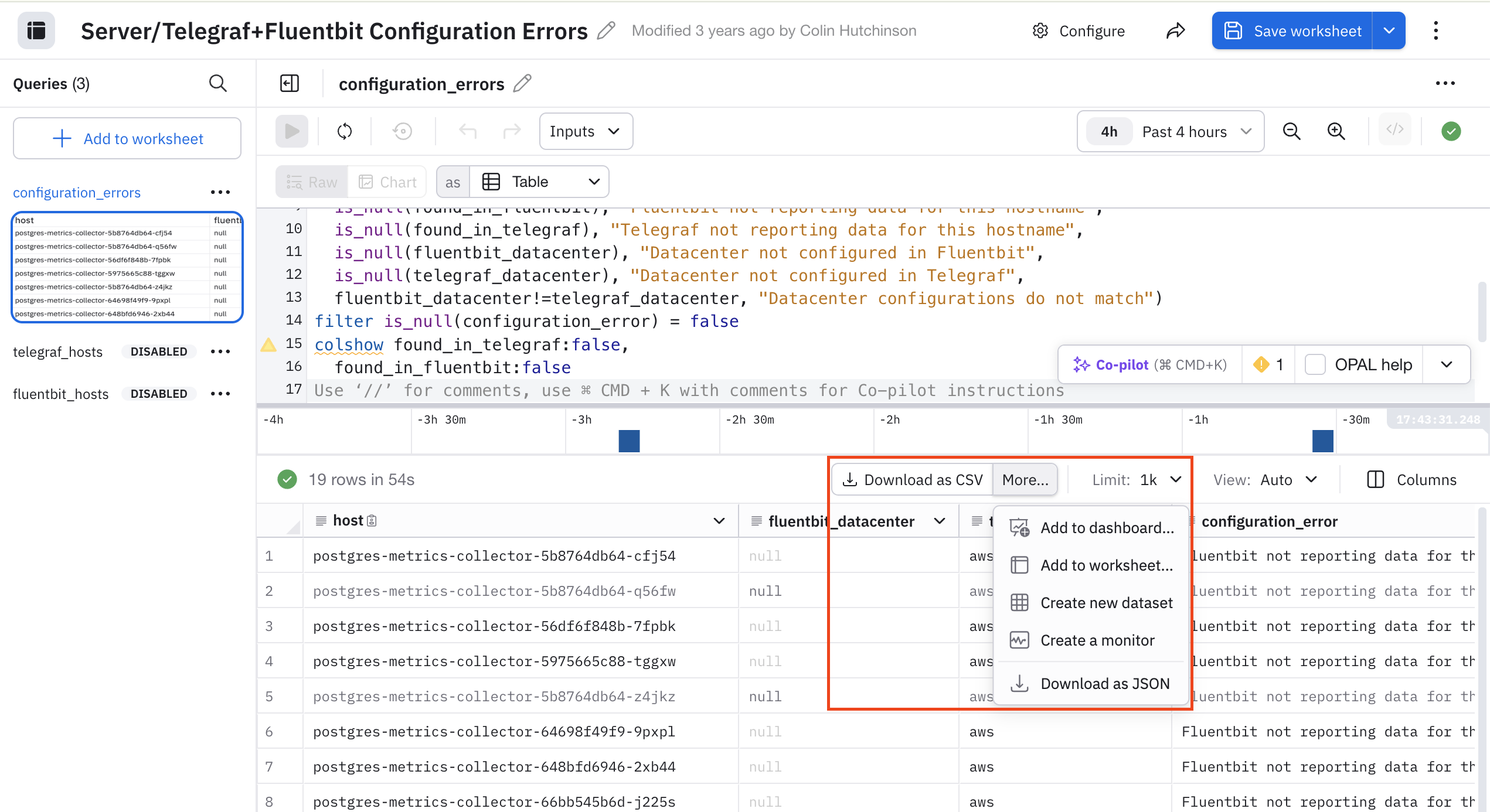
Note that Export may not be immediately available on some Worksheet queries that do not produce a table of data; you may need to set the visualization type to Table and click Run. When exporting, you may select CSV or JSON format, and a maximum size limit (one thousand, ten thousand, or one hundred thousand rows). Note that hidden fields will be included. Use the pick_col OPAL verb to reduce the width of downloaded data.
Updated about 1 month ago