

AI SRE rules and guidelines
Learn how to add information to help AI SRE understand your environment and preferences.
Add rules and guidelines to help AI SRE understand your environment and preferences. Some common use cases for adding AI rules include the following:
- Safety and guardrails. For example, requiring approval before performing certain types of tasks.
- Data privacy and compliance. For example, making sure that personally identifiable information (PII) doesn't appear, or other data governance or data retention requirements.
- Investigation context and focus. For example, you can provide information about your environment, the relationships and dependencies of the entities in your environment, or prioritize certain types of issues.
- Output and communication. For example, require AI SRE to provide links so that you don't have to ask for them separately, or ask that AI SRE always provides plain language summaries.
Perform the following steps to add rules and guidelines for AI SRE:
- Hover on your user name in the left navigation, then select Manage account.
- Select My AI SRE settings.
- Select the Rules & guidelines tab.
- Click Edit rules and guidelines.
- Write your rules and guidelines, then click Save rules.
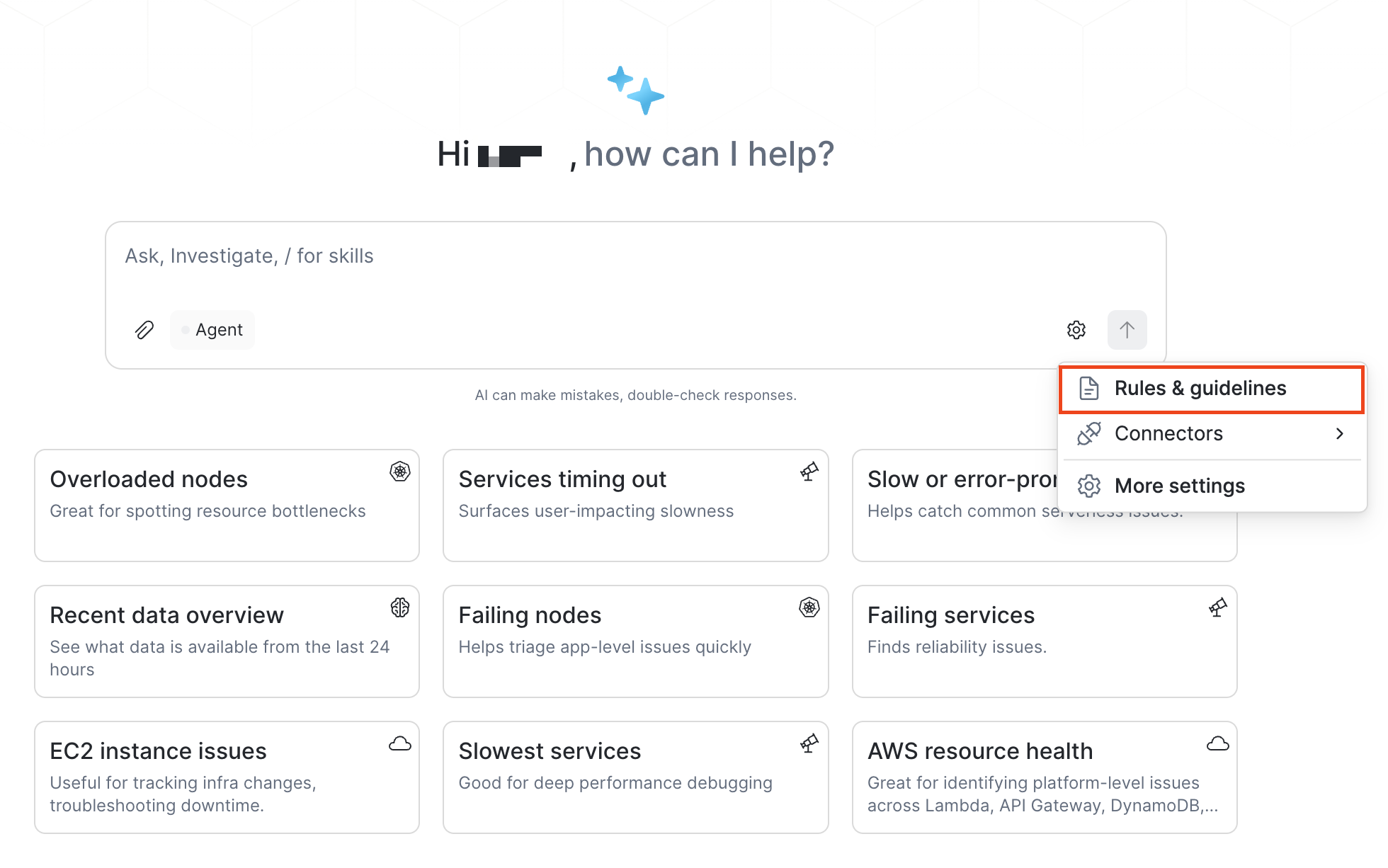
Alternatively, you can add rules and guidelines directly from AI SRE:
- From AI SRE, click the gear icon ().
- Select Rules & guidelines.
- Write your rules and guidelines, then click Save rules.
Updated about 1 month ago
Did this page help you?