

OPAL versions and upgrades
Learn how OPAL upgrades are handled in Observe by Snowflake.
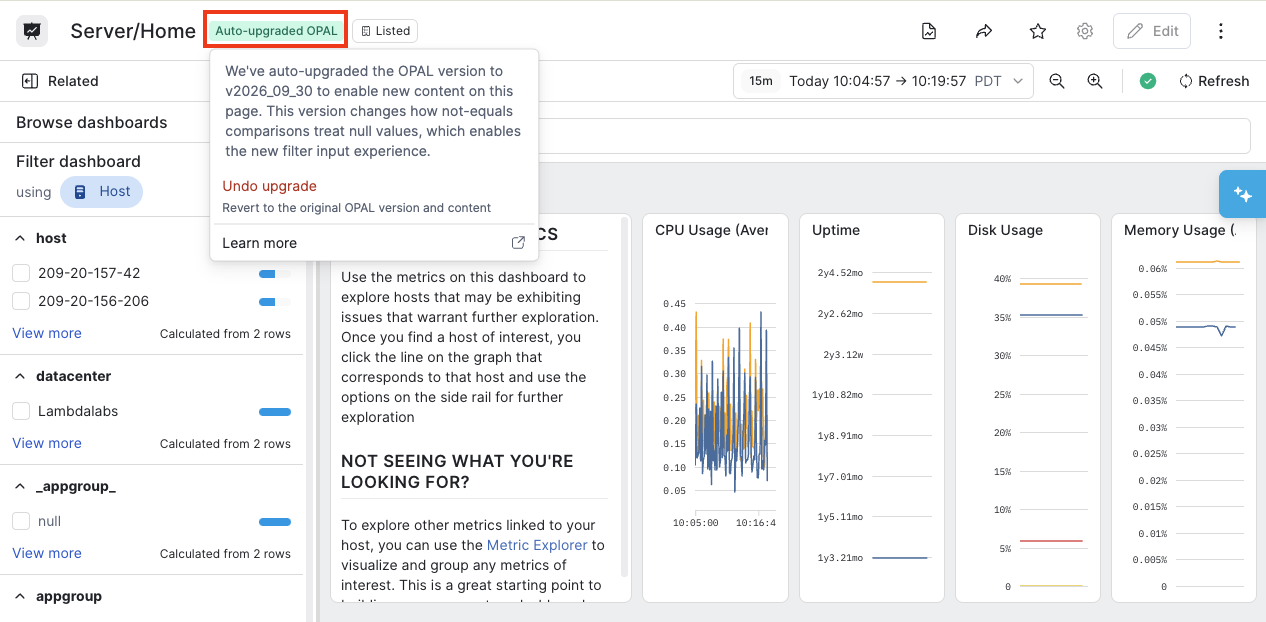
Objects in Observe by Snowflake, such as dashboards, are automatically updated with the latest versions of OPAL. When you are viewing or editing a dashbard, click Auto-upgraded OPAL, then select Undo upgrade if you want to revert to the previous version.
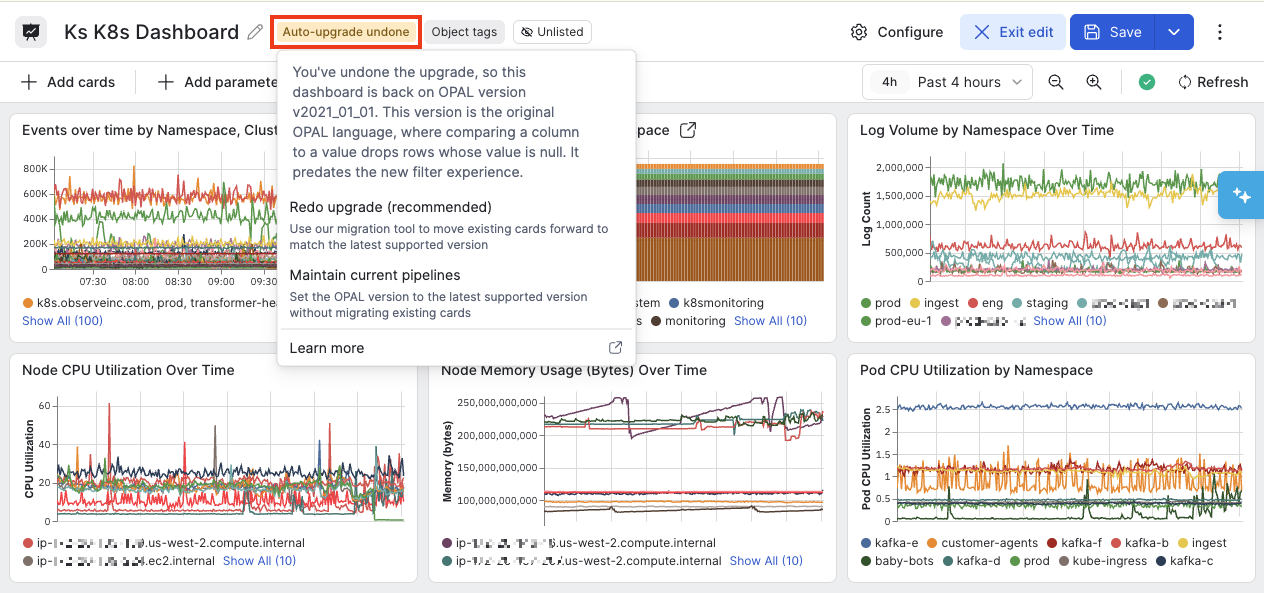
You can undo the revert by editing the dashboard. Click Auto-upgrade undone and then select Redo upgrade to return to the latest version.
Updated 18 days ago
Did this page help you?